In this tutorial , I show you how to unlock the ZTE Blade A75 step by step — no box, no PC, 100% working method!
You’ll learn how to remove the SIM network lock and understand what MDM (Mobile Device Management) means and how it can affect your device.
What is MDM?
MDM stands for Mobile Device Management — it’s a security feature used by organizations or schools to control and manage mobile phones remotely.
If your ZTE Blade A75 is showing an MDM lock or “Device Managed by Organization,” it means the phone was previously managed by a company or institution.
To use it freely, you must remove or bypass MDM restrictions (only legally if you’re the owner).
📱 Topics covered:
✅ ZTE Blade A75 Unlock Process
✅ How to enter unlock code
✅ SIM Network Unlock PIN guide
✅ Understanding MDM Lock and Removal Tips
✅ Use any SIM card after unlock
HOW TO REMOVE MDM
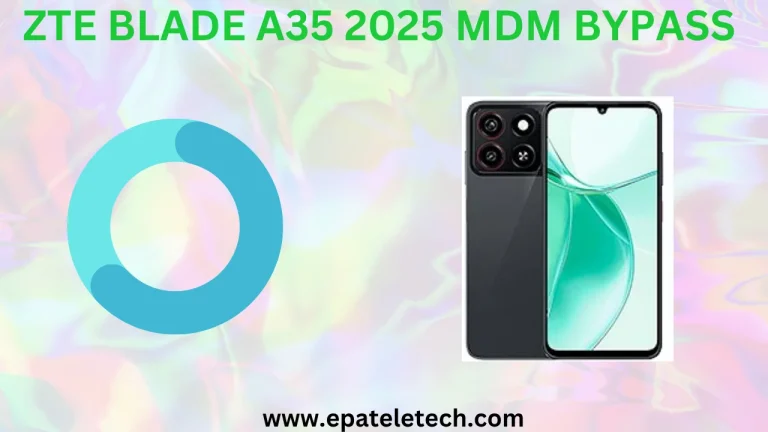
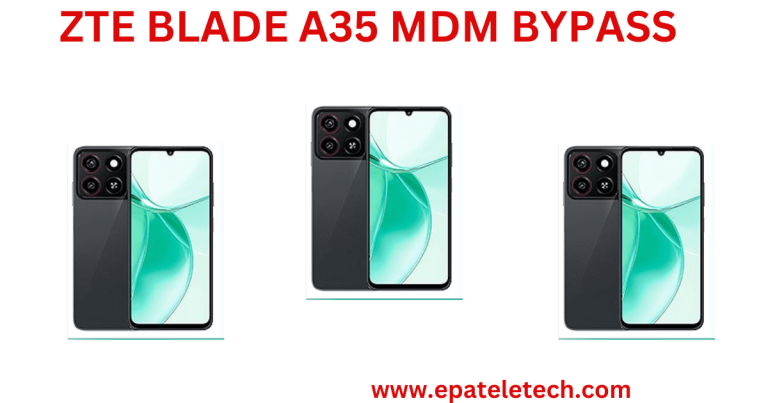
ZTE A75 MDM BYPASS SOLUTION NEW SECURITY [2025-04-08 – 2025-05-18]
WARNING: DON'T FORMAT YOUR ANY PARTITION!!1: BACKUP YOUR PHONE FIRST [ USE CM2SP3, PANDORA OR UNLOCKTOOL ]
>CHOOSE CPU T606
>Backup all except SUPER and USERDATA
2: RESTORE MY FILE ZTE A75 FOR DOWNGRADE {NO RISK}
3: FORMAT / ERASE RPMB
4: WIPE USERDATA AND FRP
5: POWER ON DEVICE SKIP UP TO THE HOME SCREEN
6: GO TO SETTINGS ENABLE ADB [DEVELOPER OPTION]
7: RUN SCRIPT ZTE MDM A75 LATEST SECURITY
8: DISABLE UPDATE
[ALSO YOU CAN DISABLE FACTORY RESET BY TSM OR ANY TOOL OR BY TEST DPC]
CONTACT ME
WHATSAPP 255757937196
TELEGRAM @epateletech
About the Author