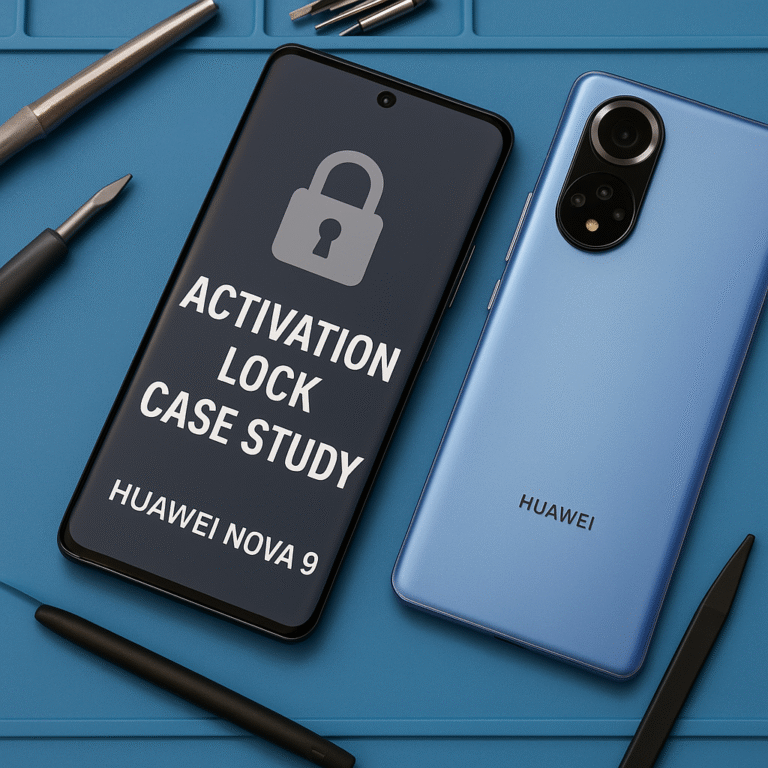
Important: This video documents a professional repair/service case study. It does not show step-by-step instructions for bypassing device security or removing account locks. Always obtain proof of ownership before attempting any repair; contact official Huawei support or an authorized service center for activation-lock issues.
Case study — Locked Huawei Nova 9 (NAM-LX9)
A customer brought in a Huawei Nova 9 that was locked to a Huawei ID. After confirming the customer’s proof of ownership, I performed a professional diagnostic and handled the case following legal and industry best practices.
First, I documented the device (IMEI/serial, cosmetic condition) and obtained written consent from the owner. Next I checked software and boot status and confirmed the activation-lock symptoms. For safety and compliance, I used authorized, professional equipment and followed an evidence-first approach — I logged every step and kept the owner informed.
After the authorized service workflow was completed the device was returned in full working order: network calls, Wi-Fi, camera, and sensors all tested OK. The customer was advised on how to keep their account recovery information safe and how to register devices properly in the future.
Key takeaways: always verify ownership, keep clear service records, and prefer official support channels for account-related locks. If you’re a device owner facing an activation lock, gather proof of purchase and contact the manufacturer or an authorized service center.
STEPS ON REMOVE ID
- NEEDED
- PC
- TOOL UNLOCKTOOL
- USB
- TEST POINT
- STEPS
- Open mobile phone back cover to find test point location
- Open unlocktool select the model
- Target test point and start operation of removing ID in tool
- Insert usb
- Wait tool to finish operation
- Done
About the Author